Built for indie iOS developers
AI-Powered App Store Screenshots in Minutes
Research competitors, generate captions, build beautiful screenshots, and upload — all from one native macOS app.
You're a developer, not a designer.
Your app is great. Your screenshots? They're costing you downloads.
Hours wasted in Figma
You spend more time arranging screenshots than building your app. Alignment guides, device frames, exporting at 3x...
Screenshots that don't convert
You know your app is great, but your screenshots look like they were made at 2 AM before submission. Because they were.
No time for localization
You know localized screenshots boost downloads. But translating captions for 5+ languages? You'll get to it "next release."
From zero to App Store in 4 steps
No design skills needed. Let AI do the heavy lifting.
Search your app
Type your app name and Screenshot Lab researches your competitors automatically.
AI generates a plan
Get ASO-optimized captions and a screenshot strategy based on what works in your category.
Drop your screenshots
Drag and drop your app screenshots, pick a template, and your brand colors are detected automatically.
Export or upload
Export pixel-perfect PNGs or upload directly to App Store Connect. Done.
Everything you need to ship screenshots
AI handles the strategy. You just review and approve.
AI Competitor Research
Analyzes top apps in your category. See what screenshot strategies, captions, and layouts drive downloads.
Smart Caption Generation
AI writes ASO-optimized hooks and titles that convert. Based on what actually works in your category.
ASO-Aware Localization
Not just translation — AI adapts captions for each market with local keywords, phrasing, and cultural context.
5 Professional Templates
Clean Gradient, Bold Dark, Minimal Light, Colorful, and Split Layout. All designed for maximum App Store impact.
Color Palette Extraction
Drop in your app screenshots and Screenshot Lab automatically detects your brand colors for cohesive designs.
Direct ASC Upload
Skip the browser. Upload your screenshots directly to App Store Connect from the app via authenticated API.
How Screenshot Lab compares
The only screenshot tool with AI intelligence built in.
| Feature | Screenshot Lab | Screenshots Pro | AppLaunchpad | Figma/Canva |
|---|---|---|---|---|
| AI Strategy Generation | ✓ | — | — | — |
| Competitor Research | ✓ | — | — | — |
| Auto Caption Generation | ✓ | — | — | — |
| ASO-Aware Localization | ✓ | ~ | ~ | — |
| Color Palette Extraction | ✓ | — | — | — |
| App Store Connect Upload | ✓ | — | — | — |
| Device Frames | ✓ | ✓ | ✓ | ~ |
| Professional Templates | ✓ | ✓ | ✓ | ~ |
| Native macOS App | ✓ | — | — | ✓ |
| Starting Price | Free | Free | Free | Free |
Free resource
Screenshot Inspiration Gallery
Browse real App Store screenshots from thousands of top apps. Search by name or category — powered by live data from the App Store.
Search Any App
Instant results from iTunes API
Copy & Download
Copy images or download as ZIP
14 Categories
iPhone & iPad, ratings & more
Simple, fair pricing
Start free. Upgrade when you're ready to ship.
Free
Try the full AI workflow with one project.
- 1 active project
- AI competitor research (3 competitors)
- AI screenshot plan (1 generation)
- 3 templates
- Up to 6 screenshots
- Export with watermark
- Localization
- App Store Connect upload
Pro
Everything you need to ship professional screenshots.
$79.99/year (save 33%)
- Unlimited projects
- Unlimited AI competitor research
- Unlimited AI plan regeneration
- All templates + future ones
- Up to 10 screenshots
- Unlimited locales
- Export without watermark
- Batch export + ZIP
- App Store Connect upload
- Color palette extraction
- Custom AI instructions
Frequently asked questions
What is Screenshot Lab?
What size are App Store screenshots?
How does AI generate screenshot captions?
Does Screenshot Lab support localization?
How is Screenshot Lab different from Screenshots Pro or AppLaunchpad?
What templates are included?
Can I upload screenshots directly to App Store Connect?
Is Screenshot Lab free?
What macOS version is required?
How does the AI competitor research work?
Latest from the Blog
Tips on App Store screenshots, ASO, and indie development.
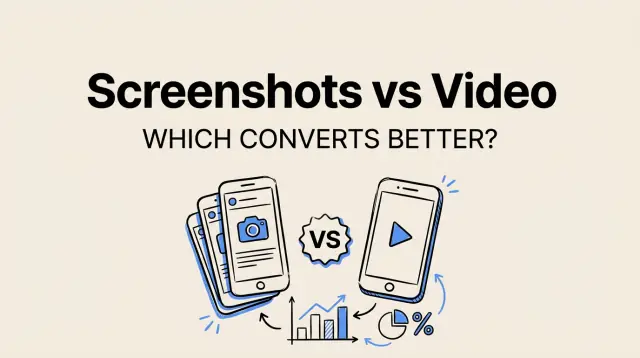
App Store Screenshots vs App Preview Video: Which Converts Better?
A data-driven comparison of App Store screenshots versus app preview videos, including conversion benchmarks, category-specific recommendations, and when to use each.
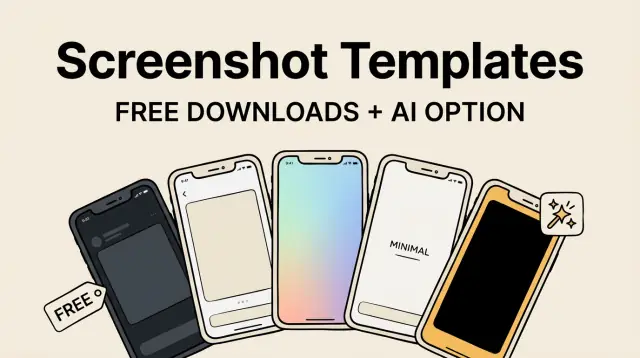
App Store Screenshot Templates: Free Downloads + AI Alternative
Free Figma and Canva screenshot templates for the App Store, plus how AI tools eliminate the need for templates entirely.
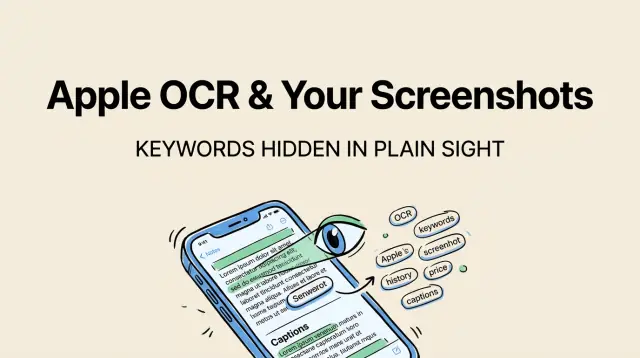
How Apple's OCR Changes Your App Store Screenshot Strategy
Apple scans text in your screenshots and uses it for keyword indexing. Here's how it works, why it matters, and how to optimize your captions for both users and the algorithm.
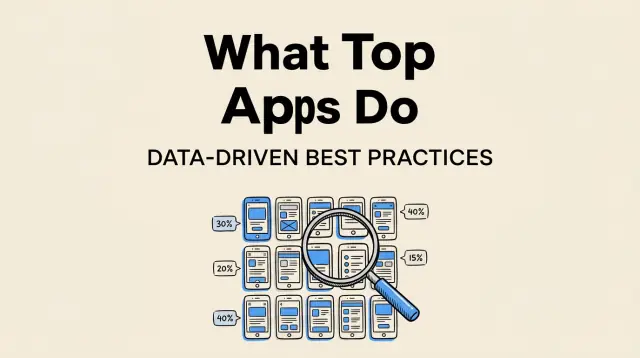
App Store Screenshot Best Practices: What the Top 100 Apps Do
We analyzed screenshots from the top 100 iOS apps and found 5 clear patterns. Data, examples, and actionable takeaways.
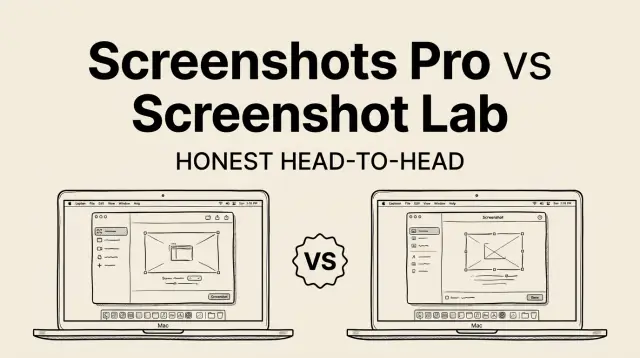
Screenshots Pro vs Screenshot Lab: Honest Comparison (2026)
A head-to-head comparison of Screenshots Pro and Screenshot Lab for creating App Store screenshots. Features, workflow speed, and which one to pick.
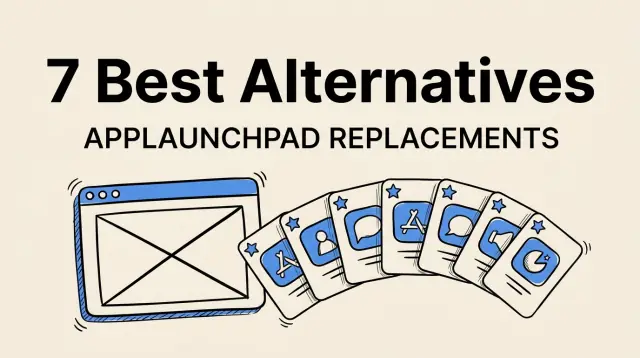
7 Best AppLaunchpad Alternatives (2026)
Looking for an AppLaunchpad alternative? We compare 7 options covering features, workflow, and which one fits different use cases.
Ready to create stunning App Store screenshots?
Generate professional screenshots instantly in your browser, or download the macOS app for the full experience.
No account needed. Free to use.